
features/
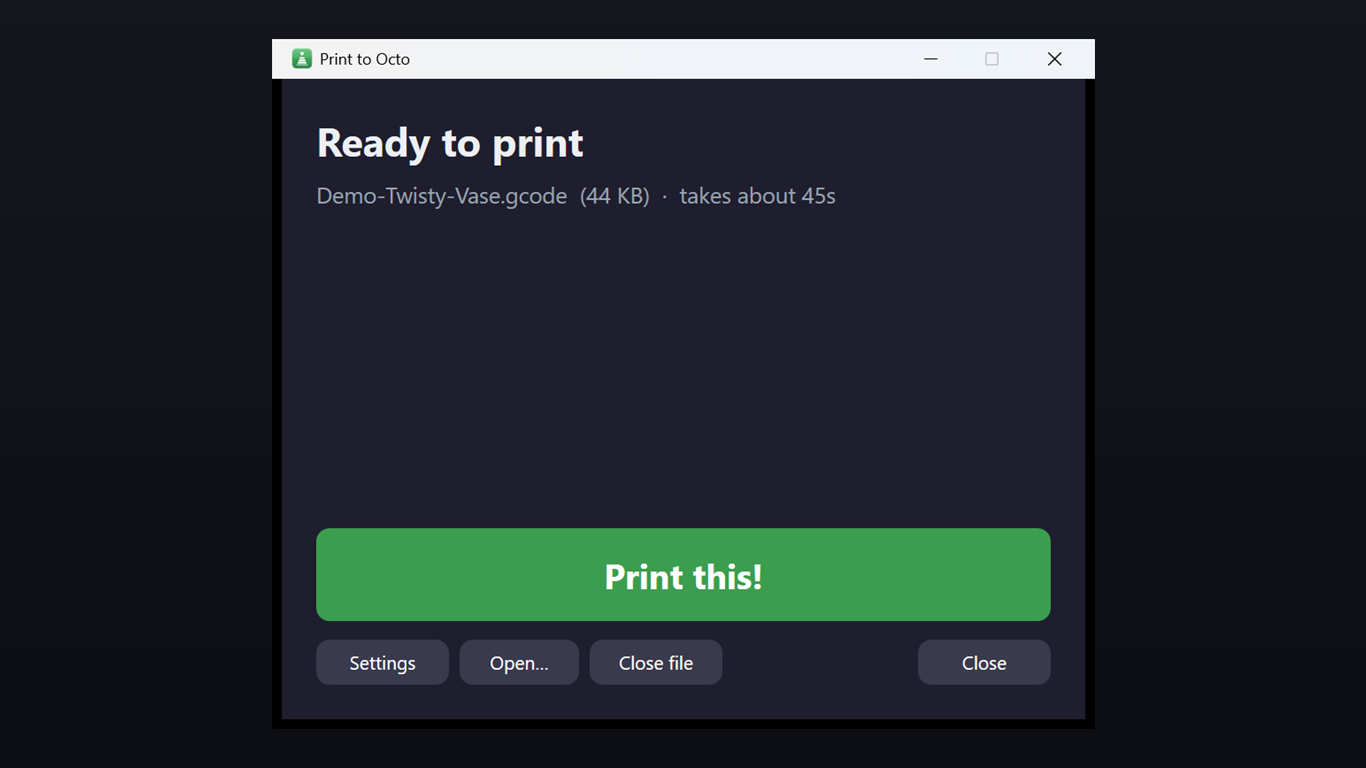
One-click printing
See the file name, size, and estimated time, then hit Print this! — that's the whole job.
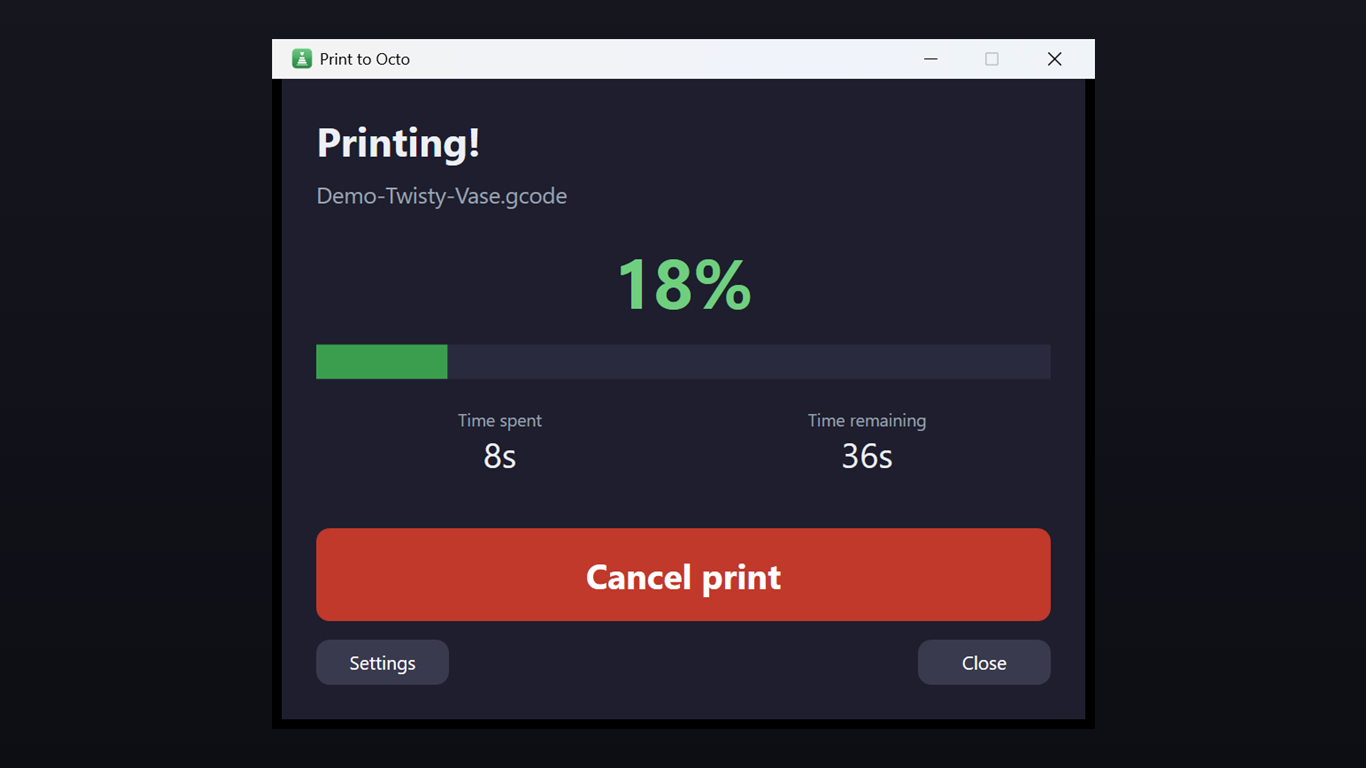
Live progress
Percent complete, time spent, and time remaining, updating while the print runs.
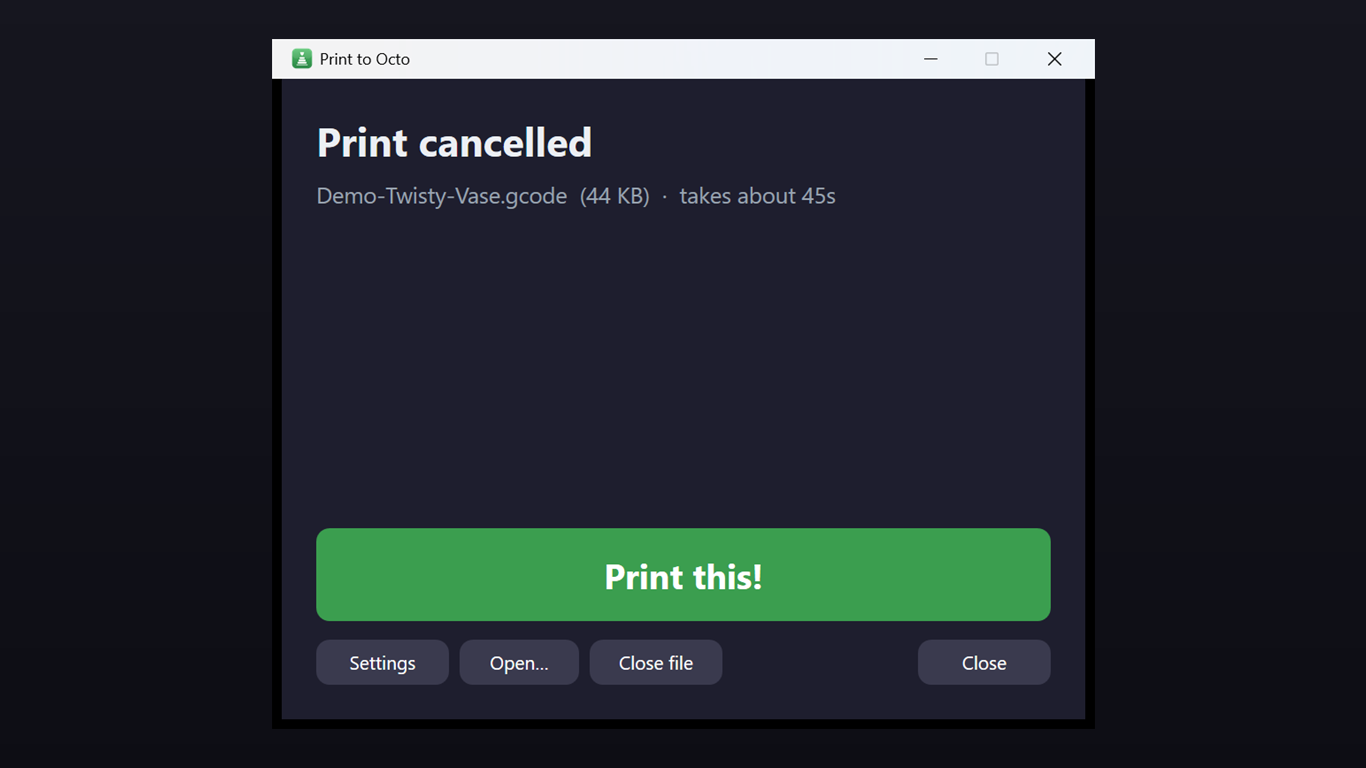
Cancel anytime
Stop a print in one tap from the same window — no digging through OctoPrint's UI.
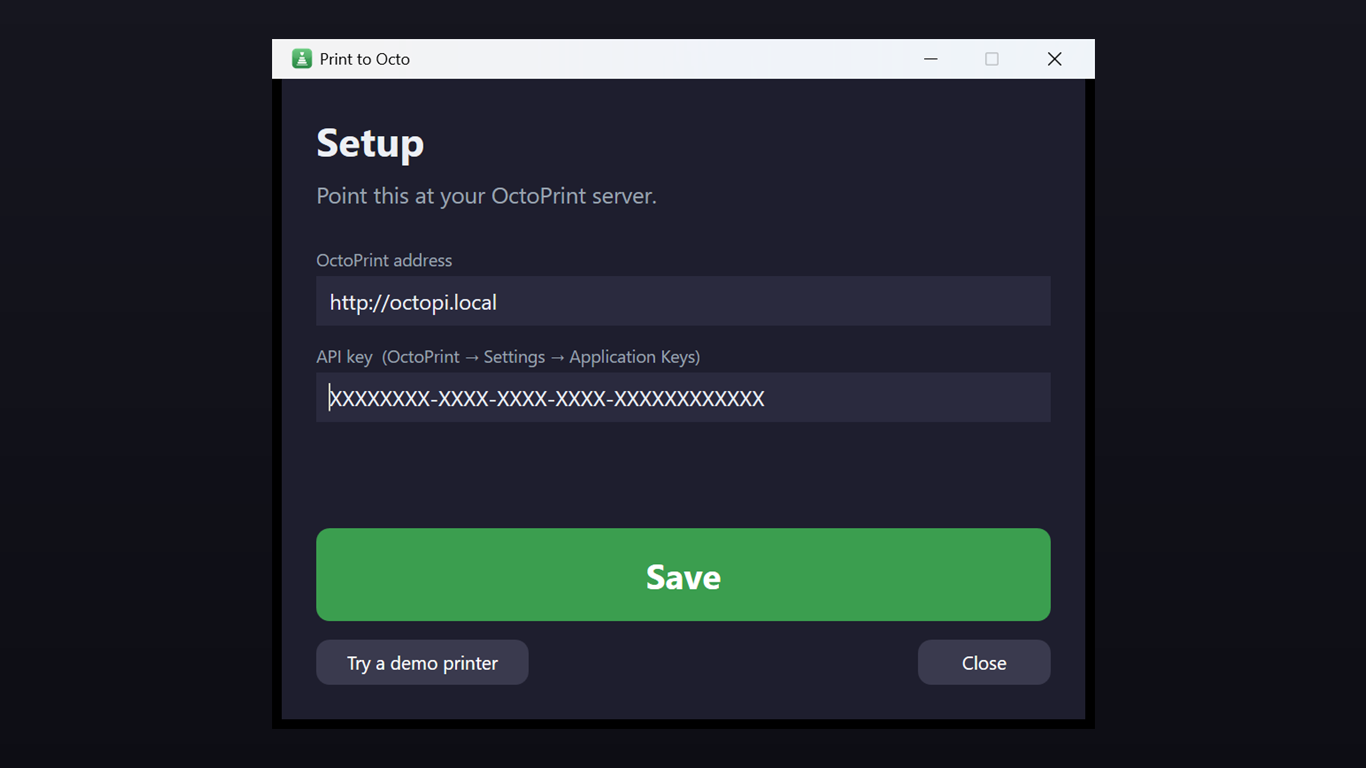
Demo printer
Try the whole flow with a built-in demo printer before pointing it at your real server.
platforms/
Windows
Double-click any .gcode file in Explorer — Print to Octo opens ready to print.
Android
Share a .gcode file to Print to Octo from any app to start the same way.
iPhone & iPad
Share-sheet support is coming, following the Android release.